Your design, in its own light
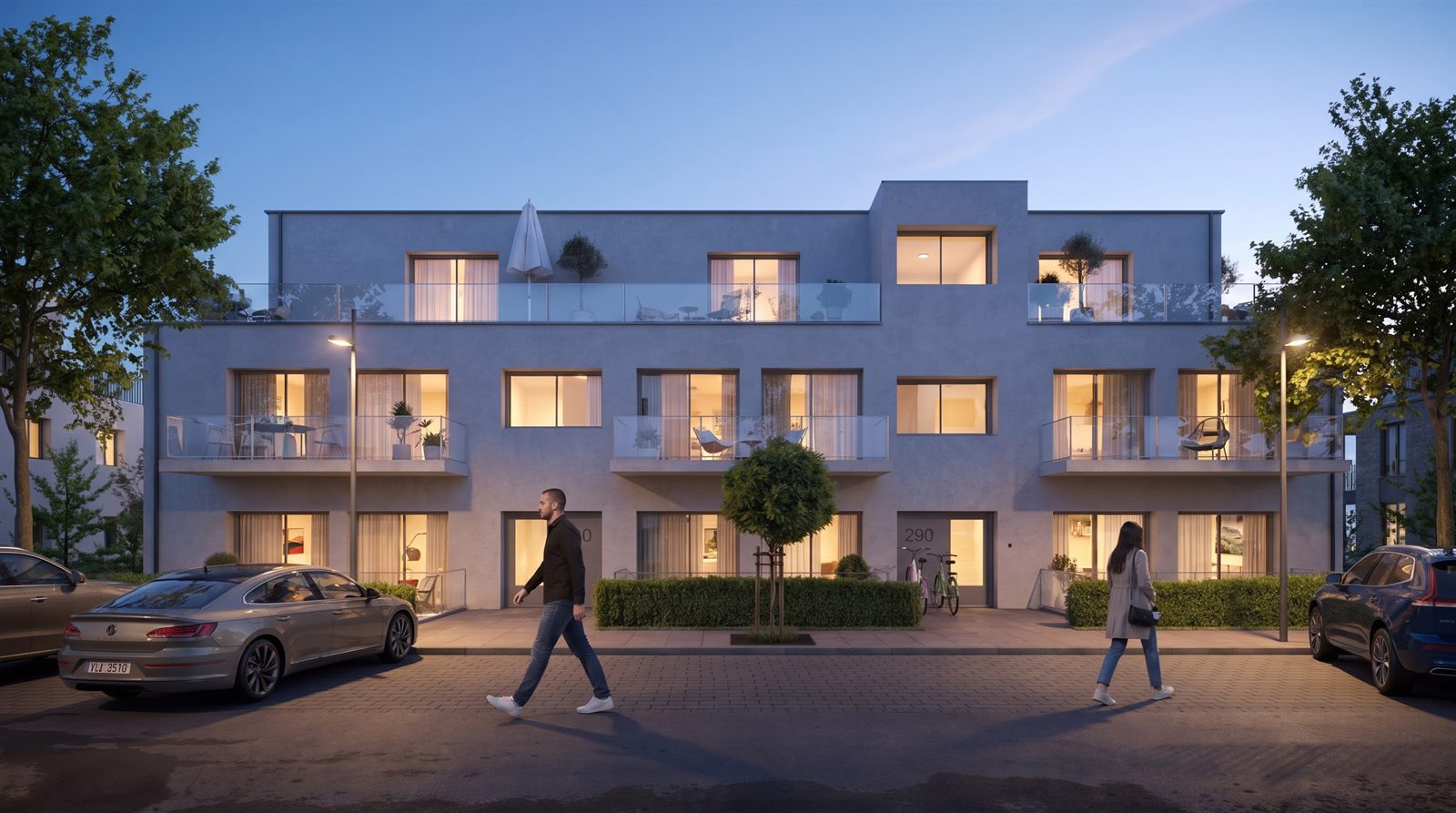
Bring a 3D scene, a screenshot from SketchUp, Revit, Rhino or 3ds Max, or a pencil sketch. Formlight paints it in real light — golden hour, rain on the pavement, the first snow — and keeps every line where you drew it. A photograph in about a minute.
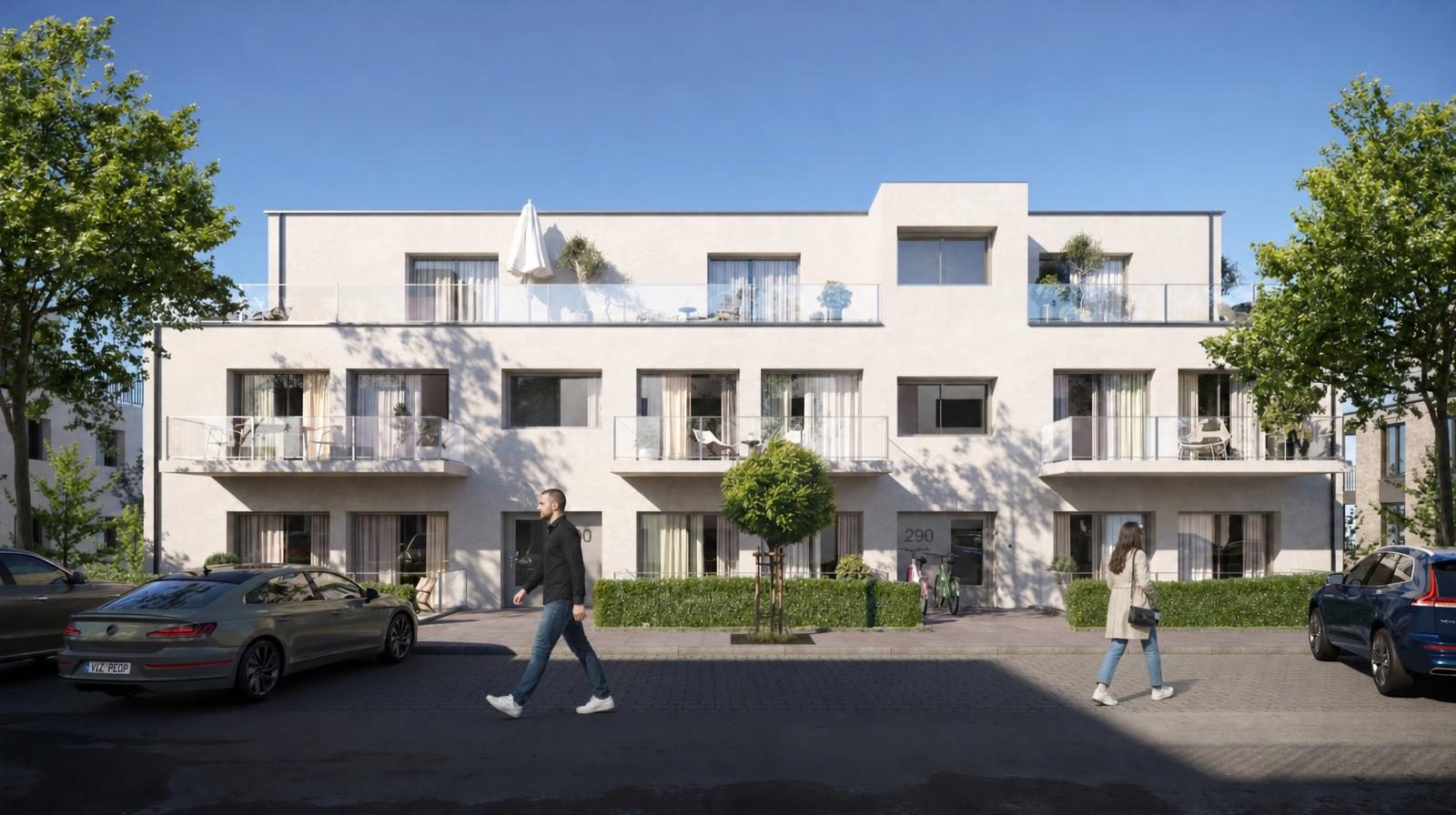
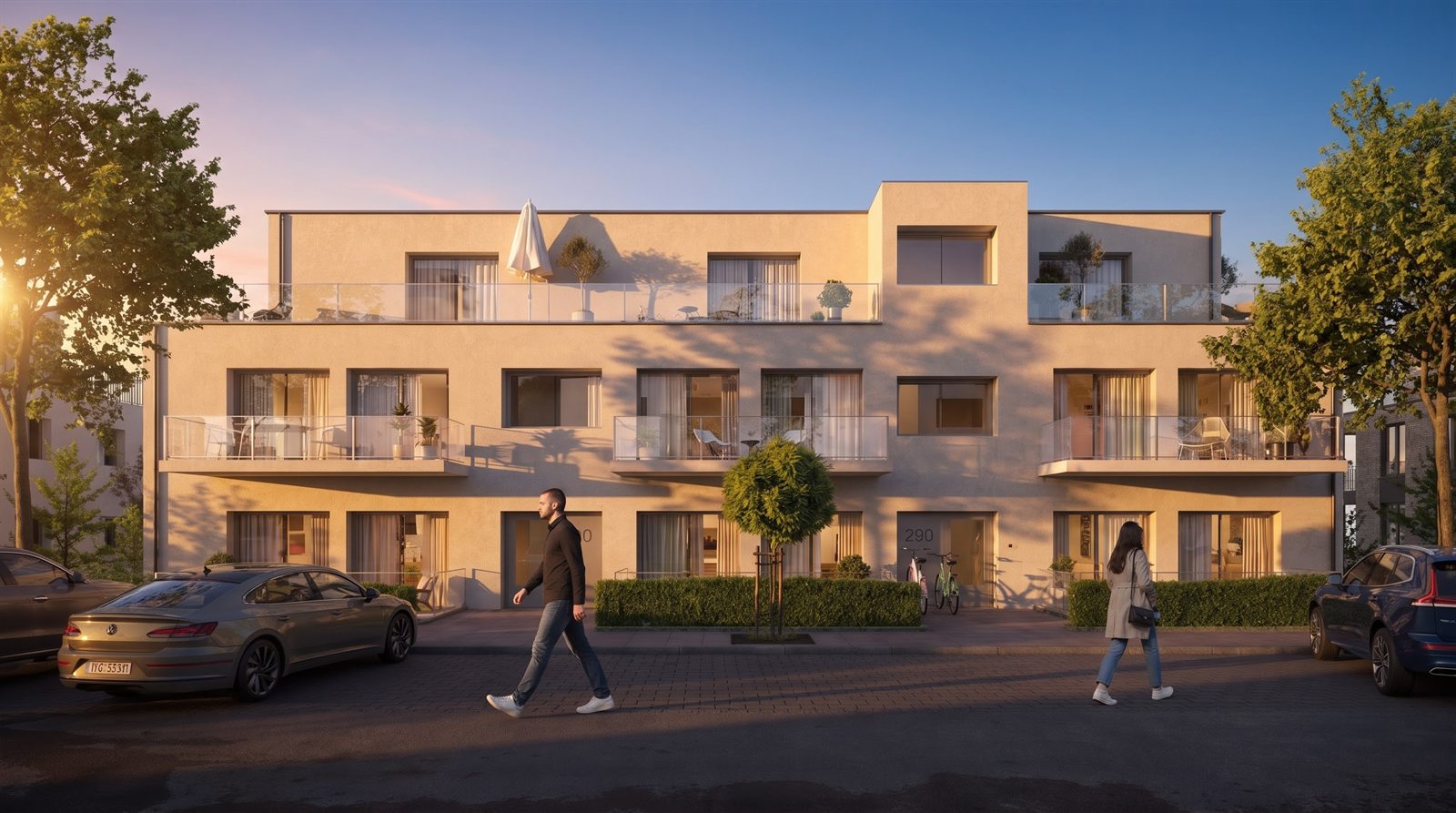
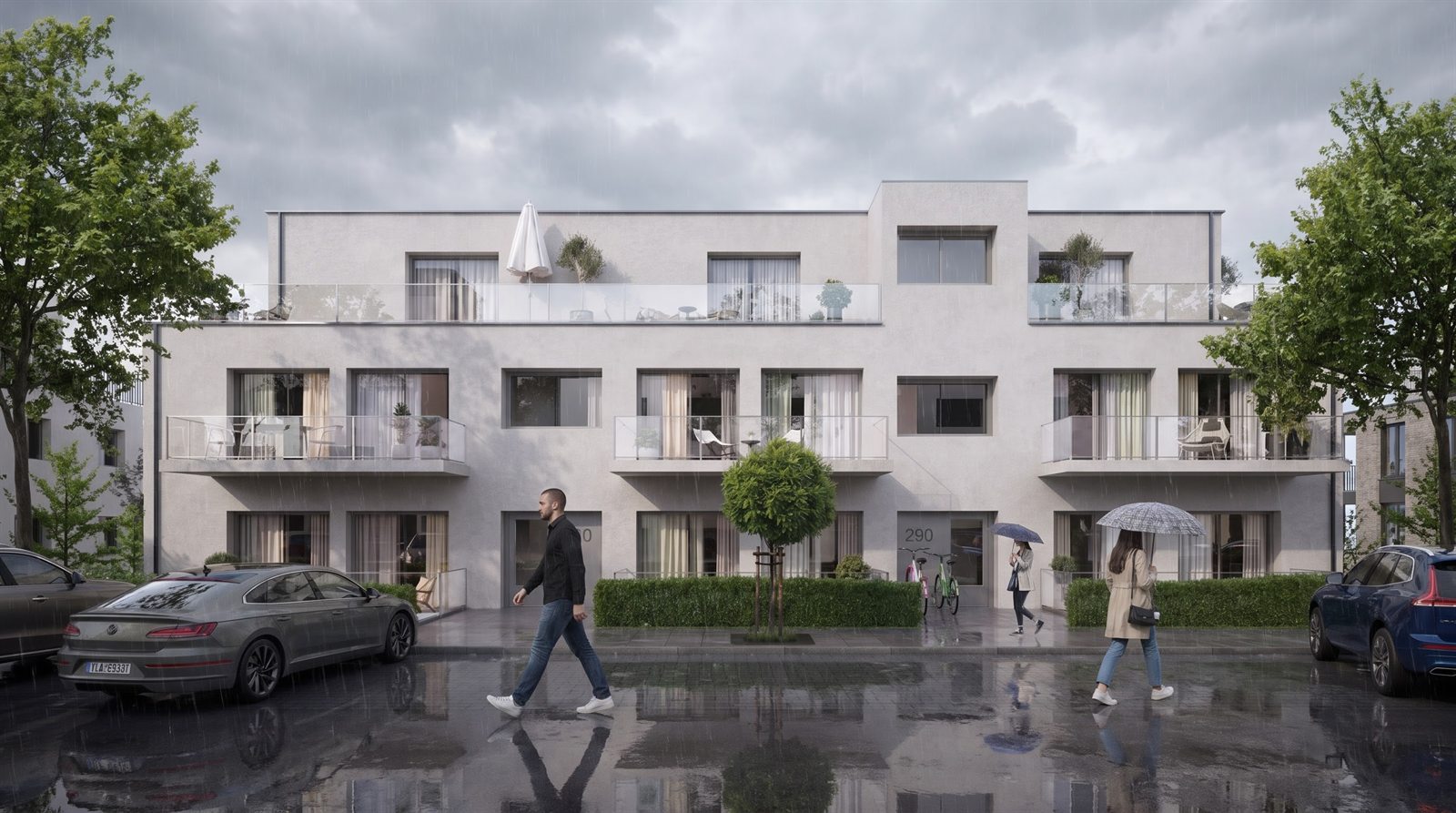
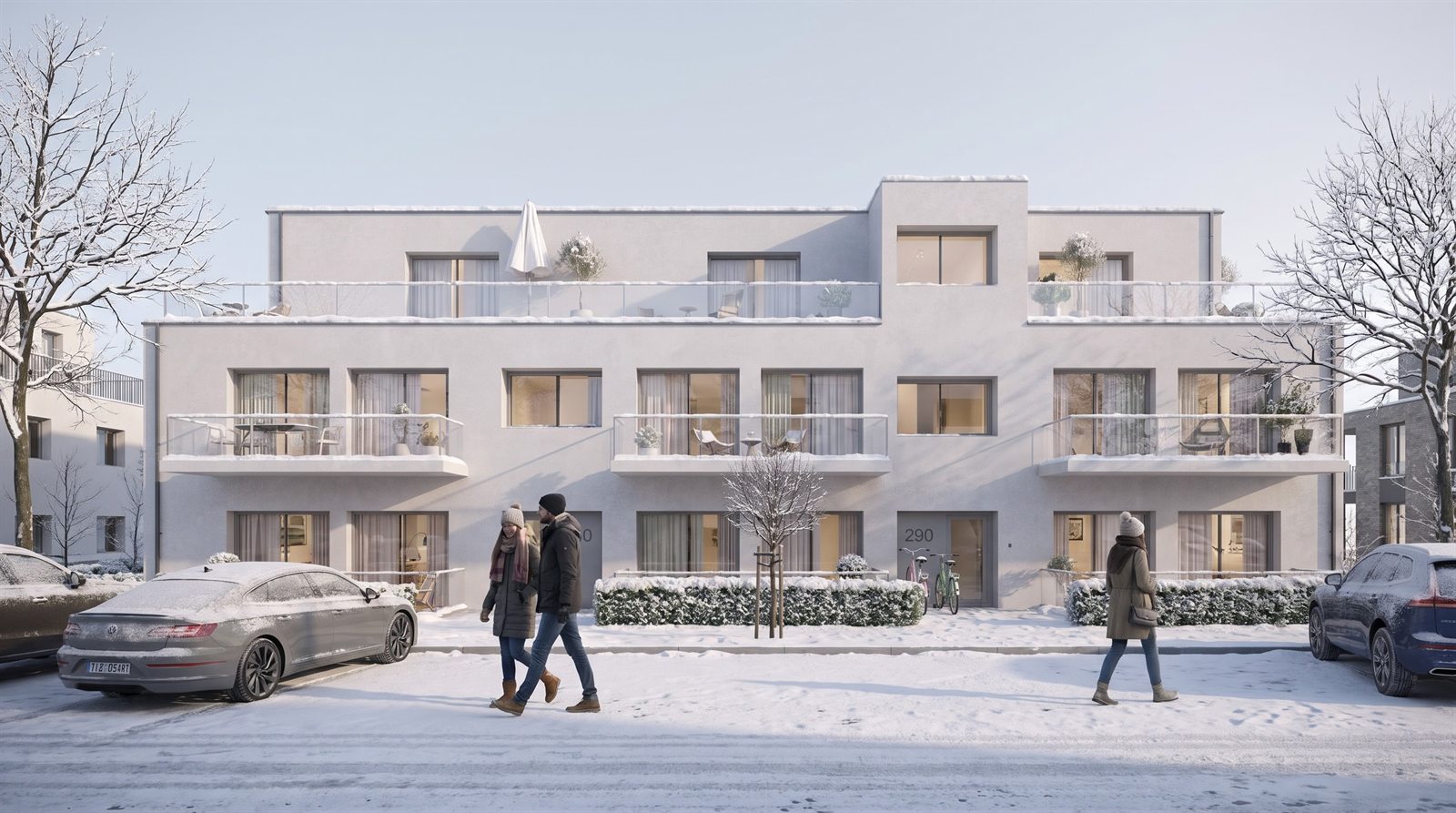
- ≈ 1 minper photograph
- 18leading AI models in one place
- 8Kfor large-format print
- 15interface languages
From a model screenshot to a photograph
Drag the line. On the left — a plain SketchUp screenshot, on the right — what Formlight made of it: real materials, light, greenery and people, with every line of the design kept.
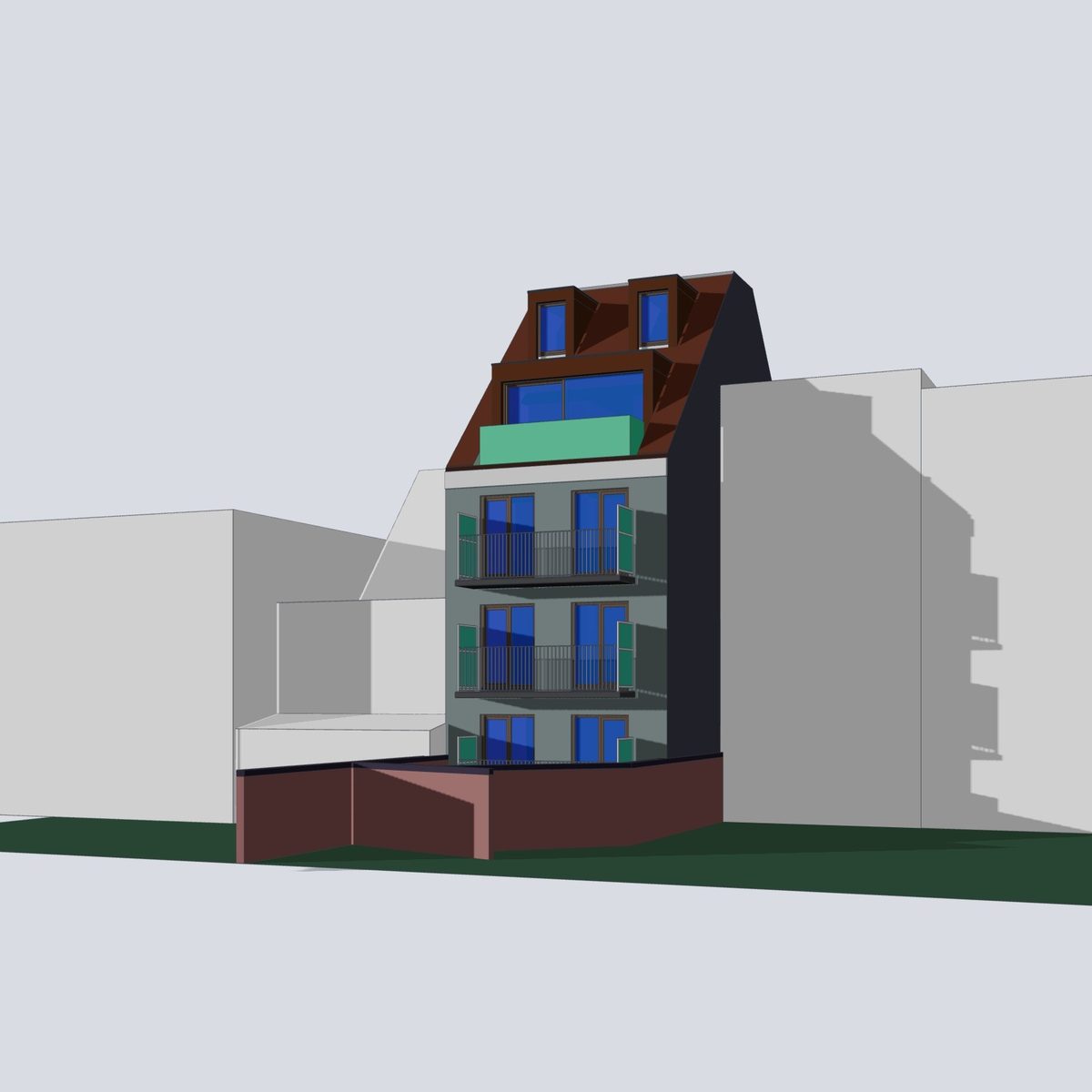
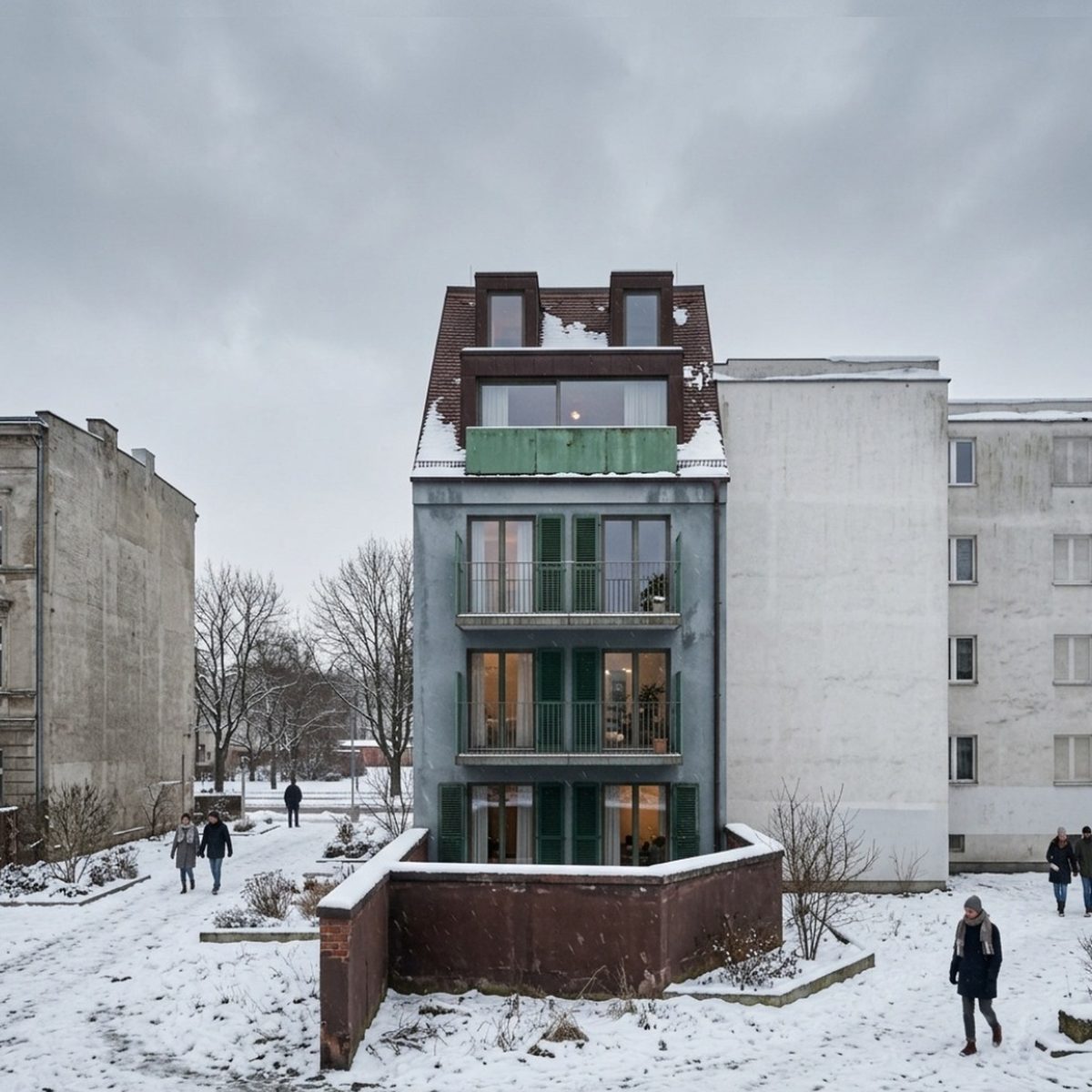 SketchUp screenshotPhotograph
From the studio
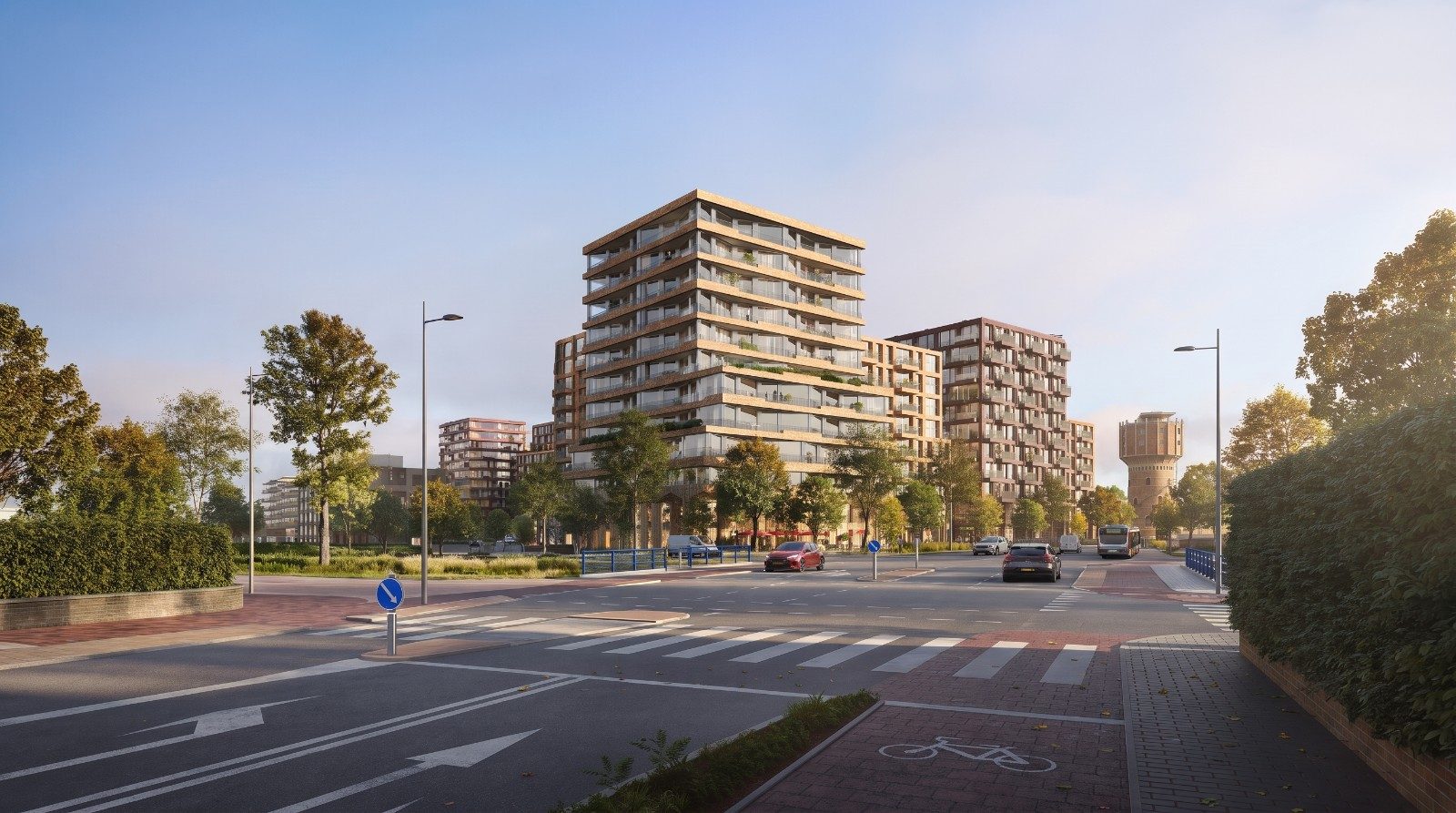
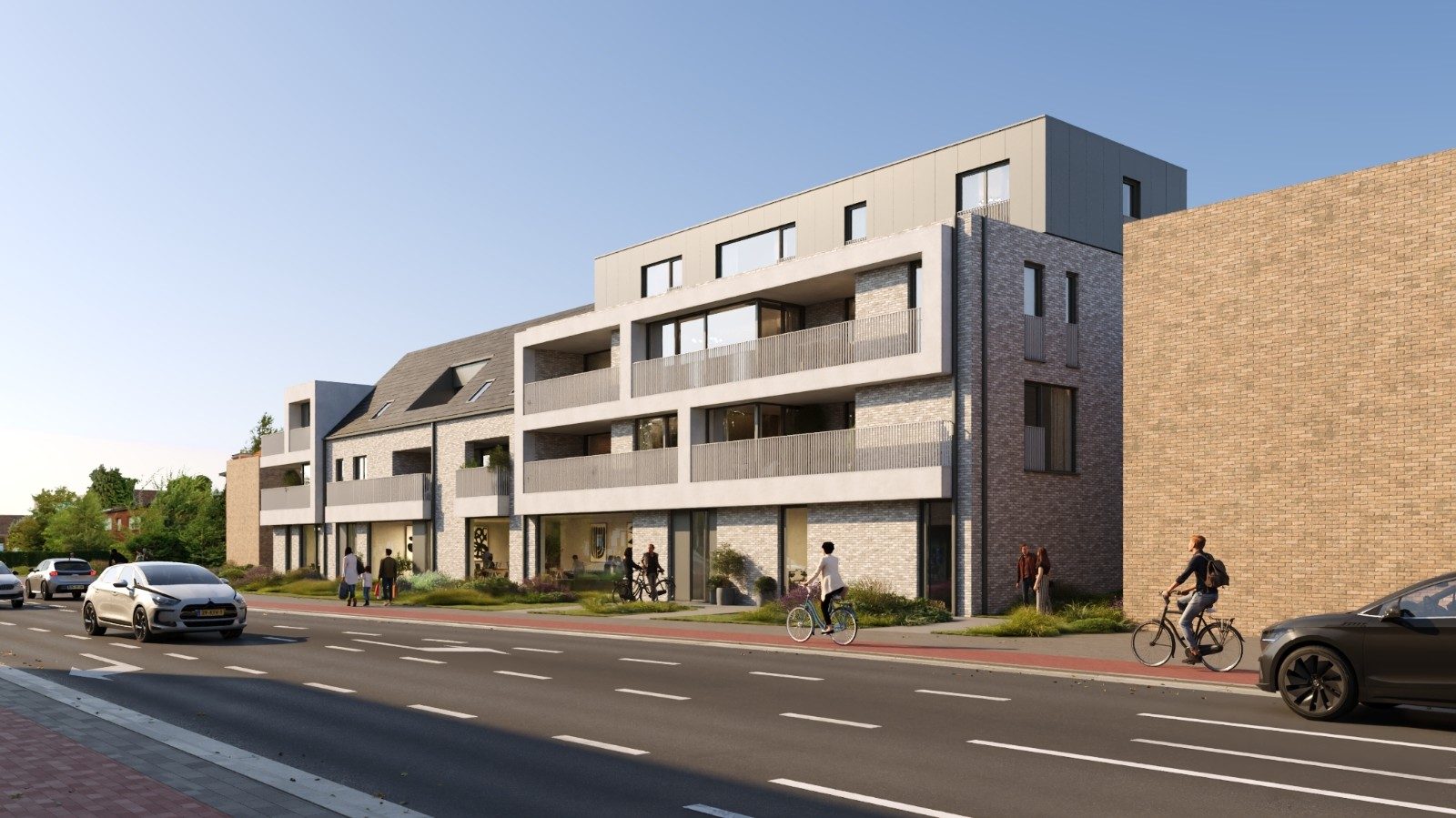
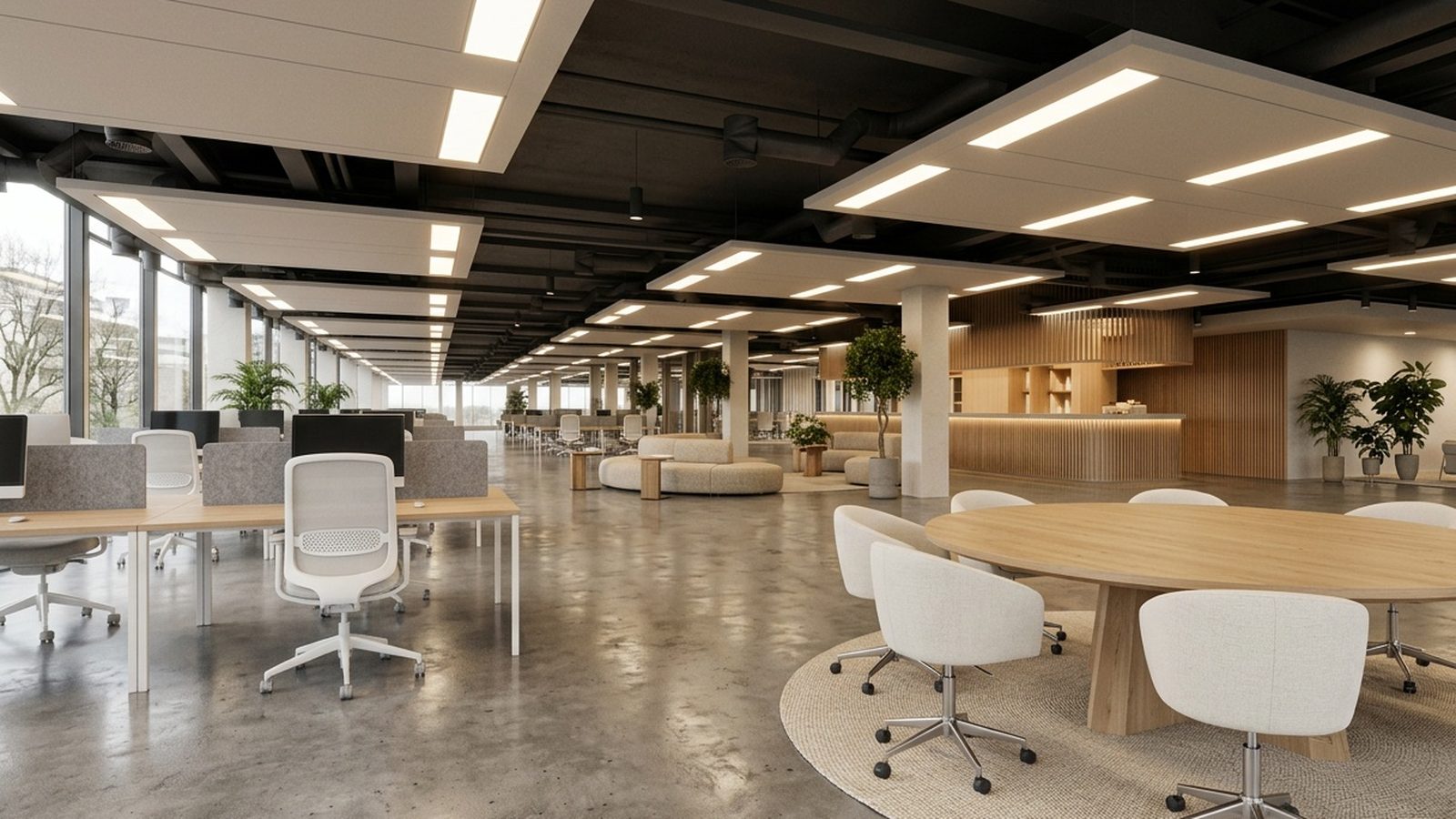
Bring one view — the first photograph is ready in about a minute.
A studio for light, mood and motion
Bring your own 3D scene
Open an OBJ, FBX, glTF/GLB, DAE or STL export from SketchUp, Revit, Rhino, 3ds Max or Blender right in the browser. Walk through the model, frame your views like a photographer, choose the materials — and every view keeps the exact geometry of your design.
ScreenshotPhotographFrom line to photographsketch or screenshot to photo
A pencil sketch, a clay render or a model screenshot becomes a photograph: honest materials, living greenery, people going about their day.
DayNightPaint with lightchange time of day, weather and season
Golden hour, a grey morning, rain on the stones, blue hour, the first snow — the same frame in another mood, in one click.
Stills that breathea video from one image
Day sliding into night, a slow walk along the facade, a drone rising over the roof — motion from a single image.
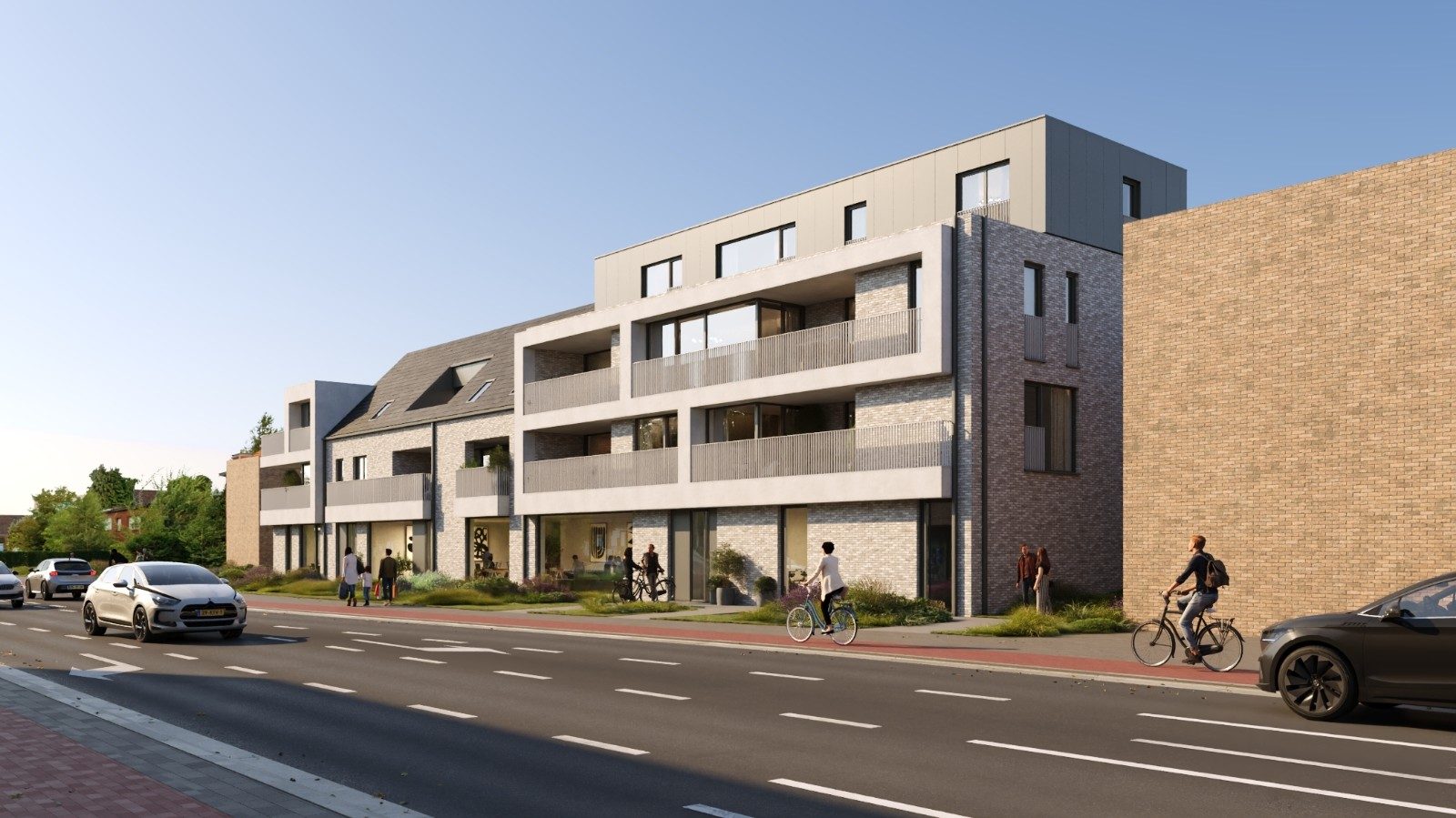
 Original viewNew angle
Look againa new camera angle
The same building from another side, or a close look at a detail — from one picture.
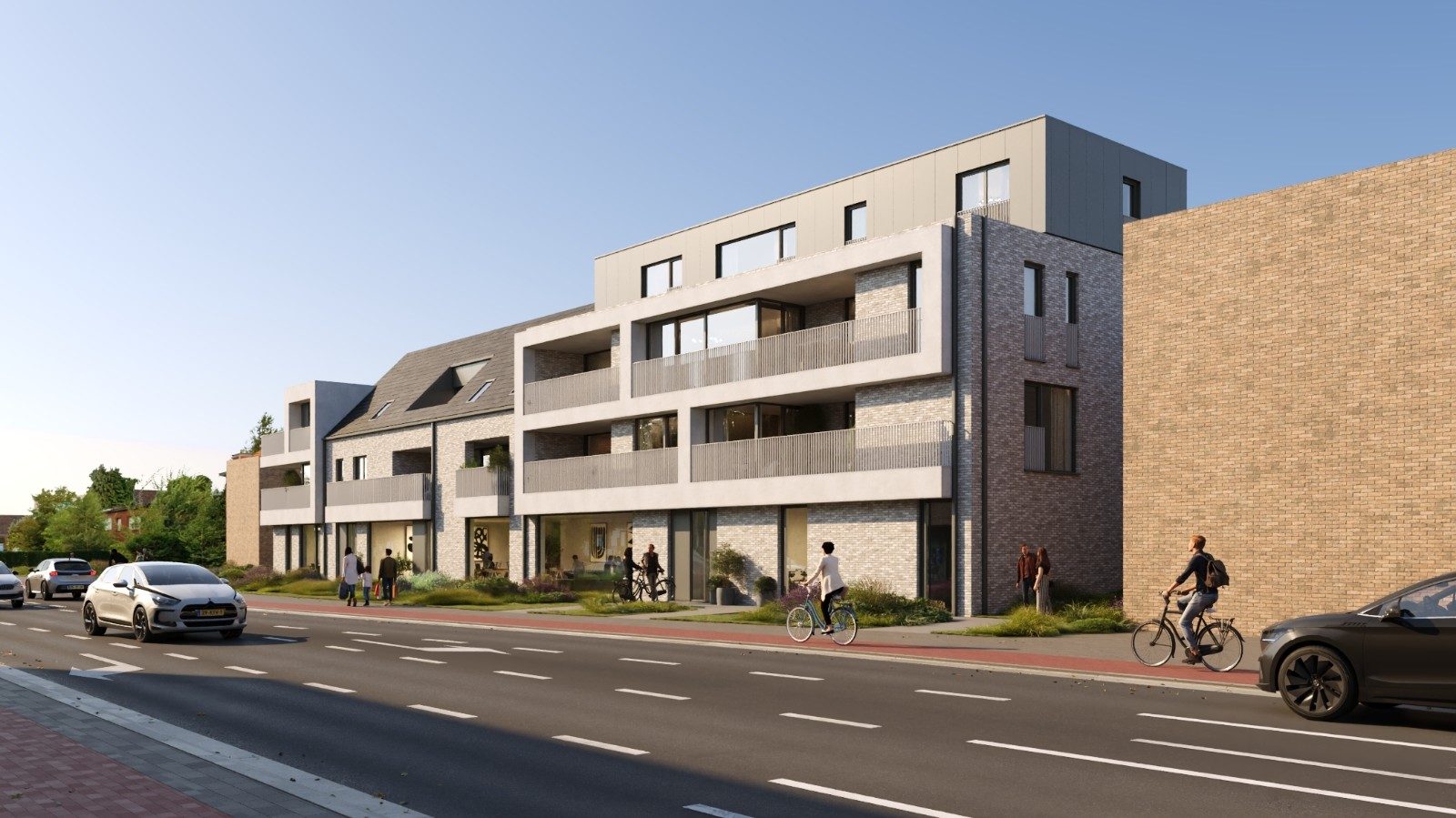
 BeforeAfter: a café and people
Retouch with a brushadd or remove anything
Mark an area and ask for people, another facade, a different sky — or simply let something disappear.
A short film from your viewsDirectora short film from your views
Your views become a short film with gentle camera moves and music — ready for the first meeting.
Sign in and bring a screenshot, a sketch or a 3D model — no install, everything runs in the browser.
Every leading AI model, on one canvas
Pick the best model for each job — or run several on the same view side by side and compare. One account and one balance instead of a dozen subscriptions.
- Nano Banana Pro
- GPT Image 2
- Seedream 5.5
- FLUX
- Grok Imagine
- Kling 4.0
- Seedance 2.5
- Gemini Omni Flash
- Wan 3.0
- Luma Ray 3.2
- MiniMax H3
- Vidu Q4
- Hunyuan3D
- Tripo
- Meshy
- Topaz
- Recraft
- ElevenLabs
How it works
- Bring a viewYour 3D scene, a screenshot, a sketch or a finished render.
- Choose the moodTime of day, season, style — or tell it in your own words.
- Receive the photographIn about a minute. Compare, refine, download, or send a link to your client.
Simple prices in credits
Every plan works with every model. One credit is about one cent of AI cost; a 2K photograph takes about 20 credits, a 5-second video clip 60–120. Annual billing saves 15% (except Start).
Try it on your own project
40 credits
≈ 2 photographs in 2K
- Watermark on results
- 1 task at a time
For single projects
350 credits
≈ 18 photographs in 2K
- All image models up to 2K
- Video up to 720p
- Commercial licence
For an architect or a studio rendering every week
1,500 credits
≈ 75 photographs in 2K
- 4K images, 1080p and 4K video
- Director and Workflow
- Client page with comments
For daily rendering and video
3,000 credits
≈ 150 photographs in 2K
- Twice the credits of Pro
- Priority queue
- 6 tasks at a time
For a team: shared credits and projects
4,200 credits
≈ 210 photographs in 2K
- 3 seats, one credit pool
- Shared projects and materials
- Support in Telegram
For people who draw buildings
Architects
Images that carry an idea through the first meeting — without waiting for a render farm.
Interior designers
Light, texture and furniture, seen before anything is ordered.
Artists and illustrators
Line drawings turned into atmospheric, painterly or photographic scenes.
Developers
Pictures and films of a place that does not exist yet.
Questions
Is the result a render or a photograph?
A photograph. Every image is made to look like the work of an architectural photographer — real materials, a real lens, real light and weather — not a CGI render.
Which software does it work with?
With any program you can take a screenshot from: SketchUp, Revit, Rhino, 3ds Max, ArchiCAD, Blender, Enscape, Lumion, Twinmotion, D5 — or simply a phone photo of a hand sketch. You can also upload the 3D model itself (OBJ, FBX, glTF/GLB, DAE, STL).
Can I upload the 3D model itself?
Yes. Export OBJ, FBX, glTF/GLB, DAE or STL from your software and open it in the browser; set cameras there and render each view. For SketchUp files the app shows how to export in a few clicks.
Do I need a powerful computer?
No. Everything runs in the browser; the heavy work happens on our servers.
Will it change my design?
It is built to keep geometry, proportions and the camera of your screenshot, and to change only light, materials and atmosphere — or exactly what you ask for.
Are my images public?
No. Your projects stay in your account; you decide when to share a link with a client.
Which languages does the app speak?
The app interface is available in 15 languages: English, Ukrainian, German, Dutch, French, Spanish, Italian, Portuguese, Polish, Czech, Turkish, Chinese, Japanese, Korean and Hindi. Switch it in the app menu. This page is in English and Ukrainian.
Ask for access
Formlight is in a private beta. Leave your email — we send an invitation, usually within a day.